


.thumb.jpg.80ad1bbf1448f09b7e1e407b44b4c75f.jpg)
About This File
Random Player Models Plugin
Description:
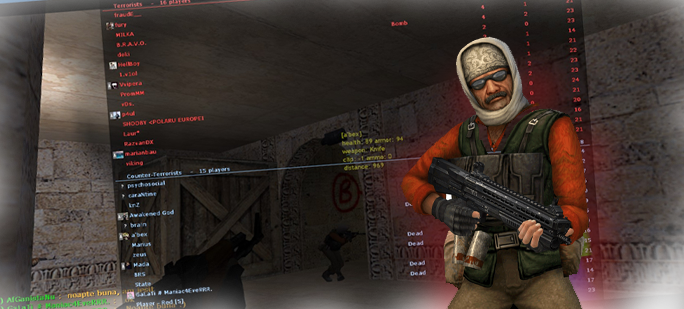
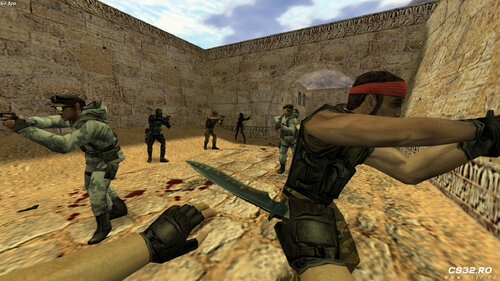
This plugin automatically randomizes player models every time a player respawns. Each respawn assigns a new random model, adding variety and fun to your server.
Installation
-
Place the Plugin
Copy the plugin file to your server’scstrike/addons/amxmodx/plugins/folder. -
Enable the Plugin
Add the following line toaddons/amxmodx/configs/plugins.ini:random_pms.amxx -
Add Models
Place your custom player models in:cstrike/models/player/custom_model/Example files:
custom_ct_model.mdl custom_t_model.mdl -
Configure Model Paths
Edit the configuration files in:addons/amxmodx/configs/random_models/-
ct_models.ini– Add paths for Counter-Terrorist models. -
t_models.ini– Add paths for Terrorist models.
-
Features
-
Randomizes player models on every respawn.
-
Supports custom models for both teams.
-
Easy to configure through
.inifiles.
Tips
-
Ensure all model files are correctly placed to prevent errors.
-
Mix different models to create a fun and unpredictable gameplay experience.